
Clients
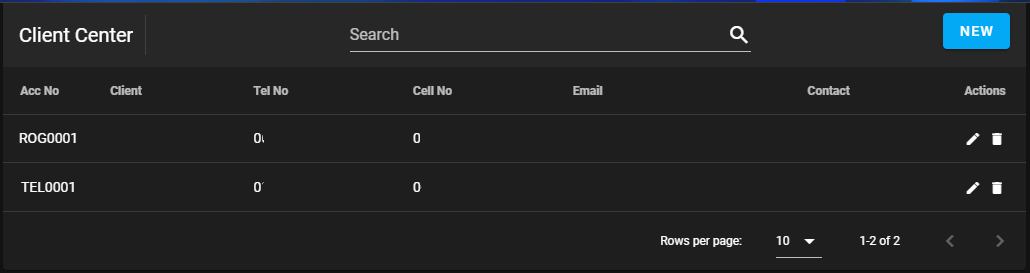
Client Center
How to add a client
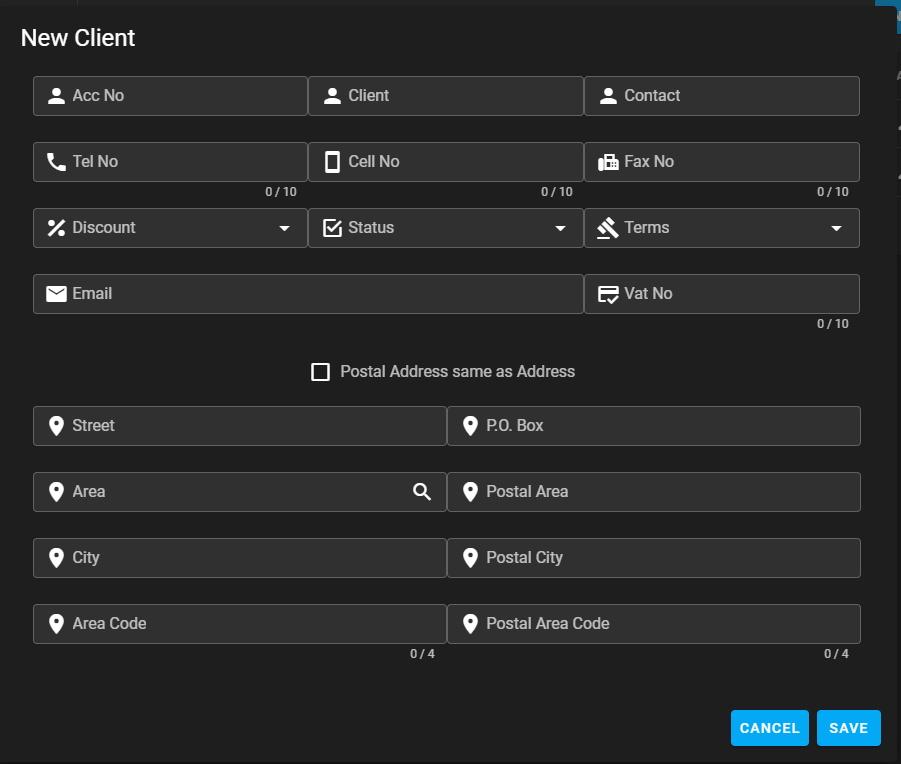
To Add a Client click on the New Button on the Client Center form..
How to edit a client
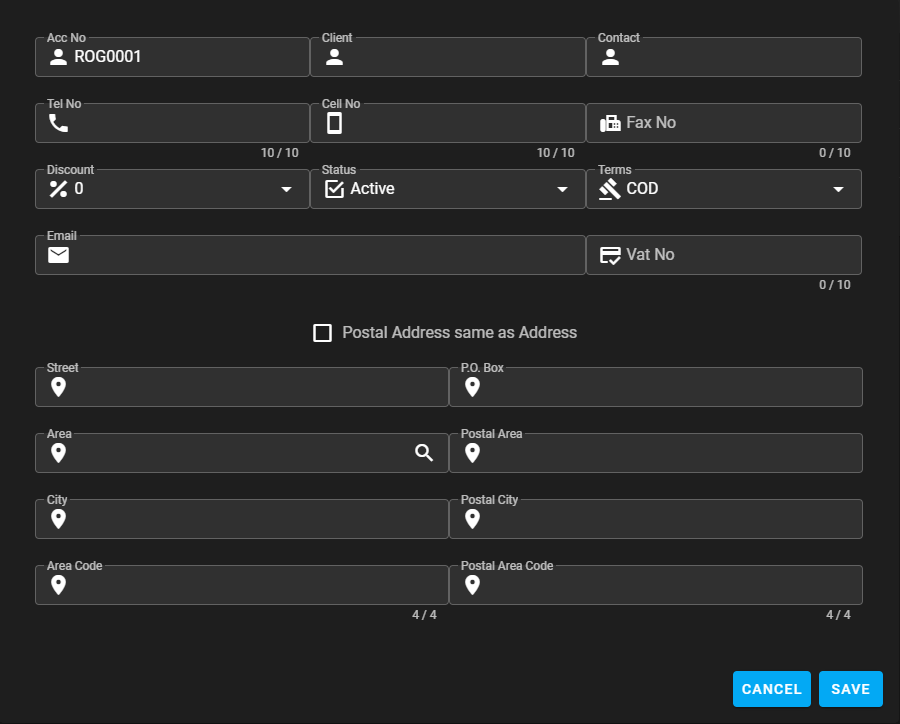
To Edit a client click on the ✏️ on the Client Center form.
How to delete a client
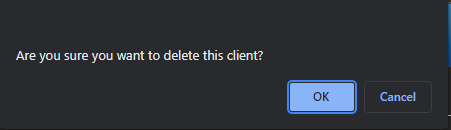
WARNING
Only a Super User can delete a client.
Click on the 🗑️ to delete a client
Click on OK to delete.
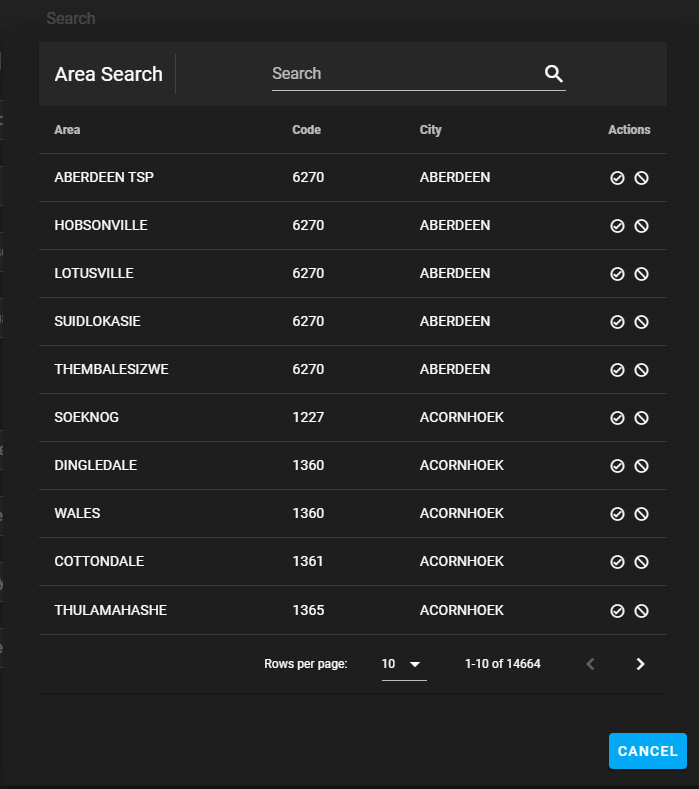
How to search for an area:
Start typing in the search field and click the ☑️ icon to select the area.
The search can be done by Area, Code or City.
Field names and description table
| Field Name | Description | Required | Min | Max |
|---|---|---|---|---|
| Acc No | Account number will be auto genetrated | Yes | ||
| Client | Client or company name.* | Yes | ||
| Contact | Contact Person | Yes | ||
| Tel No | Tel no home or work | Yes | 10 | 10 |
| Cell No | Cell no | Yes | 10 | 10 |
| Fax No | Fax no | 10 | 10 | |
| Discount | To be removed | Yes | ||
| Status | Client status | Yes | ||
| Terms | Client terms | Yes | ||
| Client email address | Yes | |||
| Vat No | Client vat no | 10 | 10 | |
| Postal Address | Click only 🔳 if postal address is the same as address and all the address fields are completed | |||
| Street | Street name and number | Yes | ||
| Area | Area name.** | Yes | ||
| City | City name | Yes | ||
| Area Code | Area code | Yes | 4 | 4 |
| P.O. Box | P.O. Box number | Yes | ||
| Postal Area | Postal area name. | Yes | ||
| Postal City | Postal city | Yes | ||
| Postal Area Code | Postal code | Yes | 4 | 4 |
* Press Enter to create the clients account no after typping the client name.
** Click on the magnifying glass 🔍 to do a search.