Users
How to Create a User:
Step 1: Select Users on the Menu.

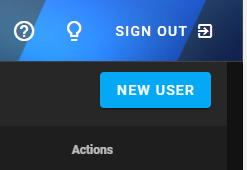
Step 2: Click on New User.
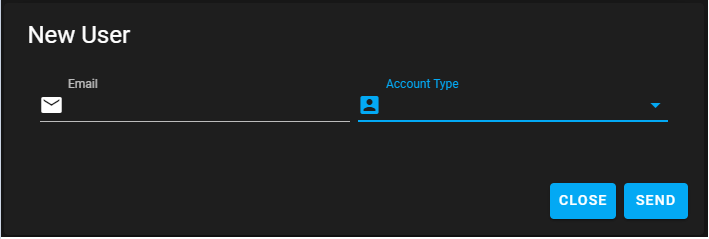
Step 3: Type in the Users emaill and select the Account Type and click on Send.
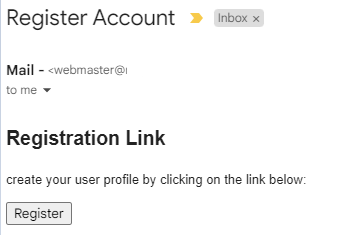
Step 4: Open your email and click on Register.
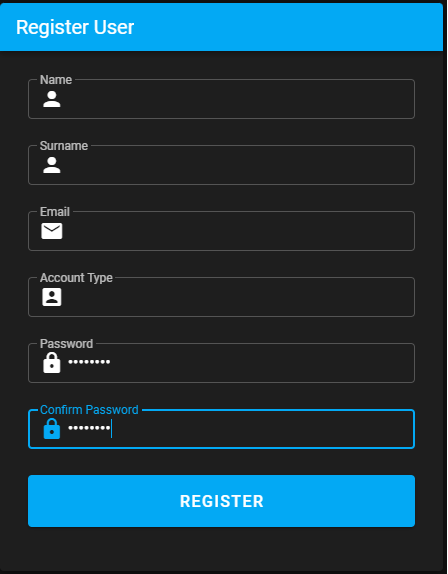
Step 5: Fill in all the details and click on Register.
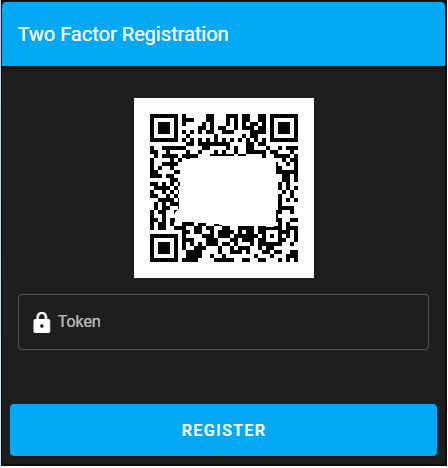
Step 5: Scan the QR Code and type in the code. Click on Regter.
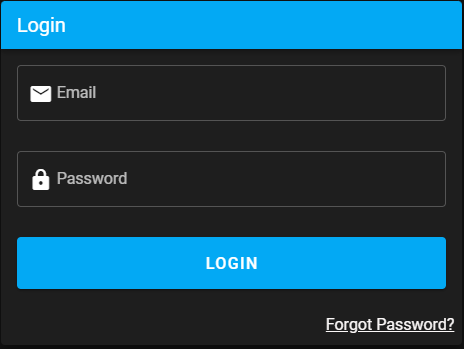
Step 6: Enter your Username, Password and click on Login.
How to Edit a User
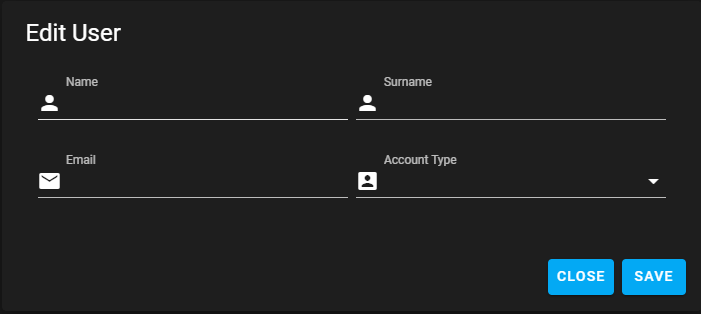
Step 1: Click on the ✏️.

Step 2: After the changes click Save.
How to Delete a User
Step 1: Click on the Recycle bin.
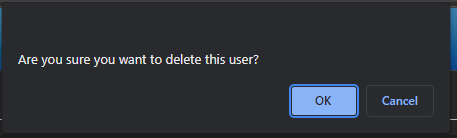
Step 2: Click Ok to delete or Cancel.